Features
Hero11 App Features: What Users Should Check
Hero11.si guide · 28 October 2026
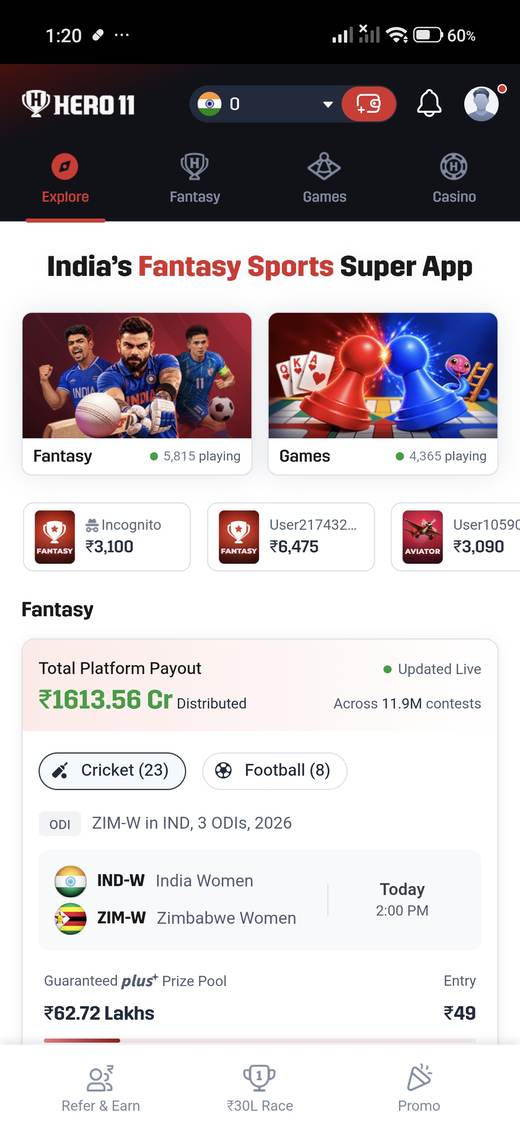
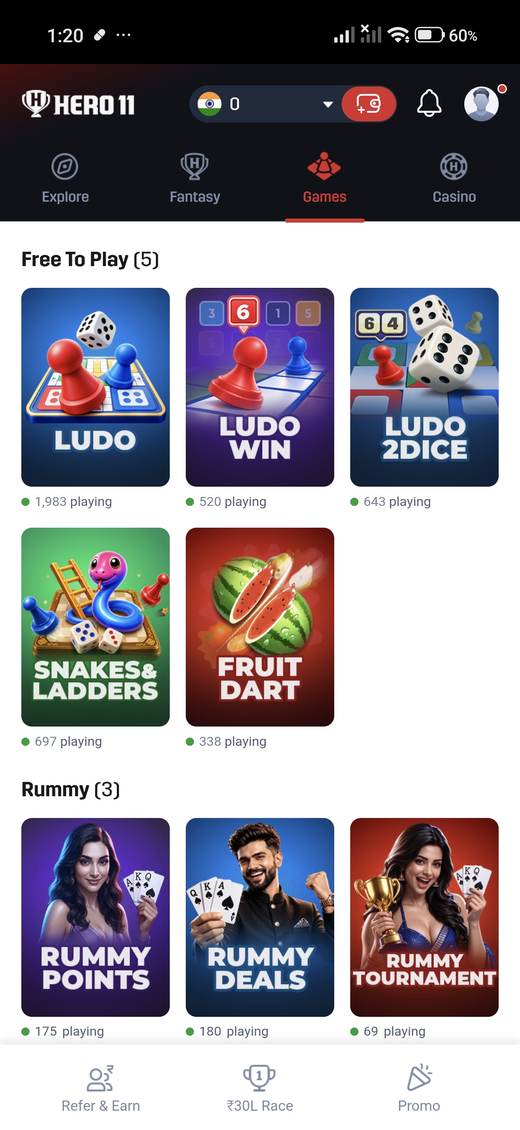
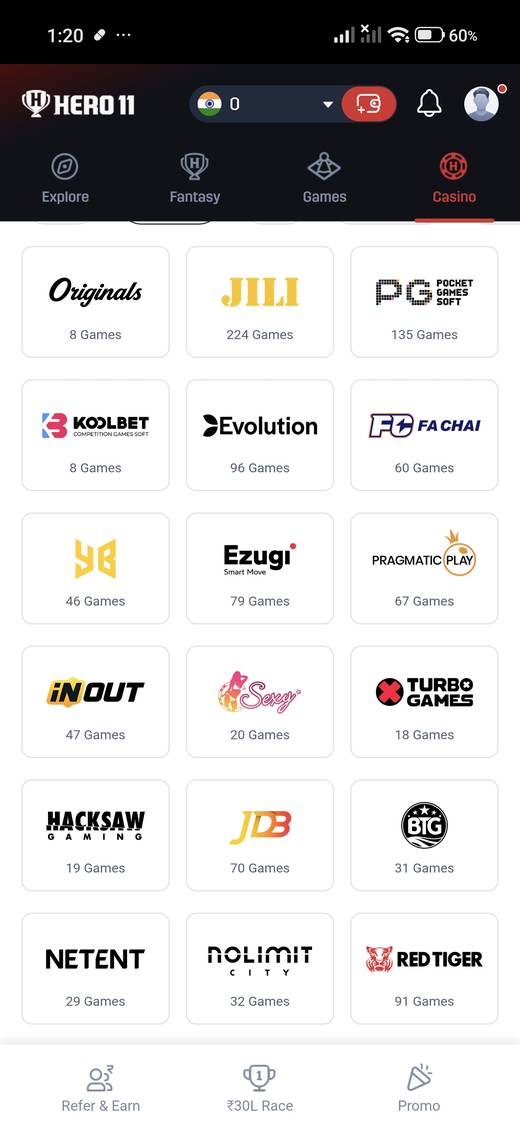
Feature lists go stale the moment an app ships a new tab. Use this checklist against the screenshot notes and against the build on your phone. If they disagree, the phone wins.
Check the four tabs first
Explore, Fantasy, Games, and Casino should be the top row if your build matches the captures. Explore should lead into fantasy and games. Fantasy should offer cricket, and the captures also show football and kabaddi filters. Games should show casual tiles such as Ludo and rummy plus a second set of instant games. Casino should be a searchable catalog, not a single title.
Check what the numbers are doing
Match cards print pools and entry amounts. Game tiles print “playing” counts. Explore prints a platform payout. Some tiles say “99% RTP” or “Provably Fair.” Write down that you saw the labels if you need to, but do not treat them as audited. This guide does not. A VIP page listing cashback is the same kind of label.
Check the account sheet
Profile should reveal an ID, a way to view transactions, a separate game history, settings with a language, a support row, and logout. Referrals, if you open them, may show a personal code. Keep that code off public pages unless you intend to share it. The sample code from the project screenshots is not published.
Check what the captures never proved
- No IPL branding. The cricket page explains the formats that did appear.
- No logged-out registration form. The login page stops at the signed-in sheet.
- No Android requirement or file update date in the images.
The download table lists version 3.3.3, a 74.7 MB file, and publisher Droven Mobile. When you are ready for the file step, use APK download rather than a link copied from a promotion banner.